
NCERT Issues Warning About Possible Cyber Attacks On Government Officials With WhatsApp Web
NCERT Issues Warning About Possible Cyber Attacks On Government Officials With WhatsApp Web
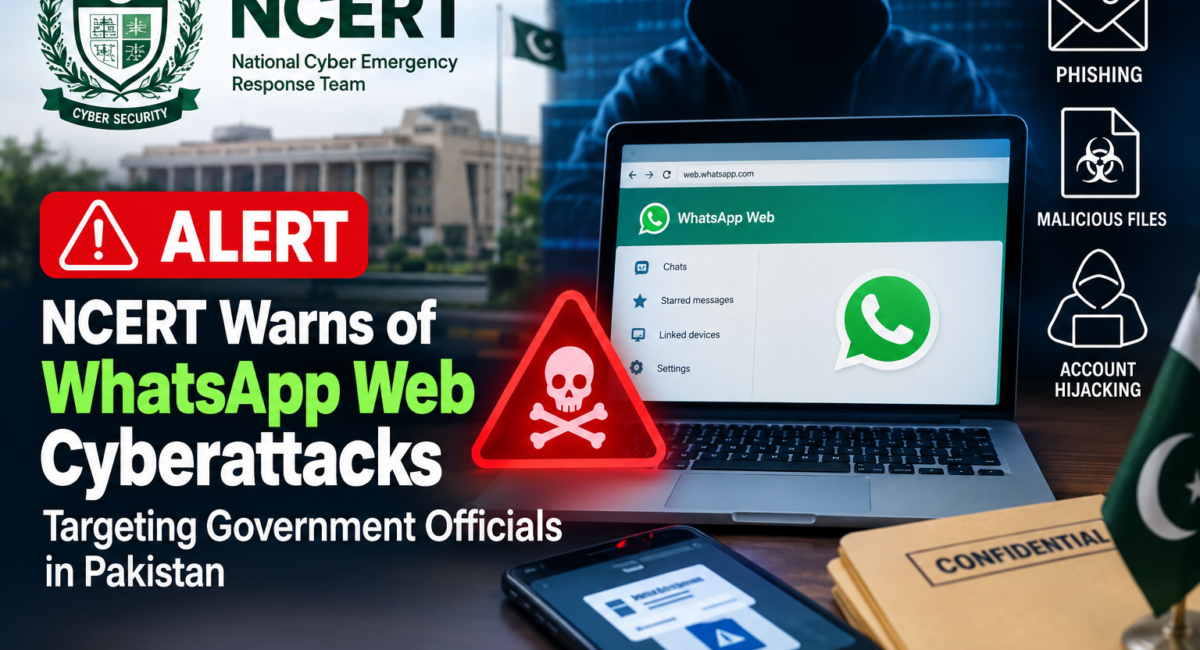
The National Cyber Emergency Response Team (NCERT) in Pakistan issued a warning about possible cyber attacks on government officials and those handling sensitive data. These attacks can occur through WhatsApp Web (desktop version) and emails. This is concerning for those using Windows.
It is advised to be extra cautious when handling sensitive data. Those working for the government and those in high risk jobs should also have extra security.
How The Attack Will Occur
The cybercriminals could be pretences to be working from a government department, official or trusted contact. You would be sent malicious files that look legitimate as part of business, government alerts and regular work files.
This can cause your windows device to become infected with malware. This can then cause cybercriminals to target you to steal your passwords, sensitive data and/or get remote access to your device depending on the type of infection.
Phishing attacks are extremely dangerous as there are no obvious signs that it is a cyber attack. This means even if you receive a message from a trusted source it could be a scam.
Why Government Workers Are More At Risk
Government officials and workers handling sensitive data could have access to important confidential communications, documents and data. If they fell victim to a cyber attack this could put others at risk.
It can also cause a session takeover where someone could gain access to your WhatsApp Web session.
They can then impersonate you, send you suspicious files and ask for more information.
You should not assume that as you have received a message from a known contact on their phone number it is safe.
Security Tips
To lower your risk, those handling sensitive data should take some extra precautions.
- Do Not Use WhatsApp Web On Windows – As mentioned in the advisory, those handling sensitive data should avoid using WhatsApp Web.
- Do Not Upload Untrusted Files From WhatsApp – Do not upload untrusted files from WhatsApp onto government/office devices.
- Check For Unknown Devices – In WhatsApp go to settings then linked devices. This will show any unknown sessions. Log out of any unknown devices.
- Check For Suspicious Messages – Contact the sender through another method of communication.
- Do not share any passwords/one time passwords/verification codes.
- Your systems (Windows, Browsers etc) should be kept up to date.
- Enable 2 step verification on WhatsApp and any other important accounts
- Have policies in place to prevent sharing of confidential documentation. Ensure staff have processes in place to know what to do if they see anything suspicious.
Your Device Has Been Hacked
Disconnect your device from the network/internet, do not open any suspicious files. Save any evidence by saving messages/logs etc.
Report the issue using your organisations official security process. Don’t attempt to fix this issue if you don’t have permission as it will cause evidence to be lost.
If you can see any unknown sessions on WhatsApp Web then please stop these sessions and check your security settings.
Why This Cyber Attack Is Important In Pakistan
WhatsApp is often used in Pakistan meaning users may feel more confident receiving messages. However government departments and other sensitive organisations should have clear policies in place. These include clear communication policies, increasing awareness amongst staff, keeping files secure and reporting incidents quickly.
As highlighted in the NCERT alert, cybercriminals could target you using a trusted method of communication. By following official security policies and being careful with unexpected attachments you can reduce the risk of becoming infected with malware, hacked and data stolen.
Conclusion
The NCERT alert about possible cyber attacks on government officials using WhatsApp Web emphasises the need to increase security measures for those handling sensitive data. Avoid using dangerous messaging apps on your desktop, check for linked devices, verify suspicious files and keep your systems updated.
Leave a Comment